
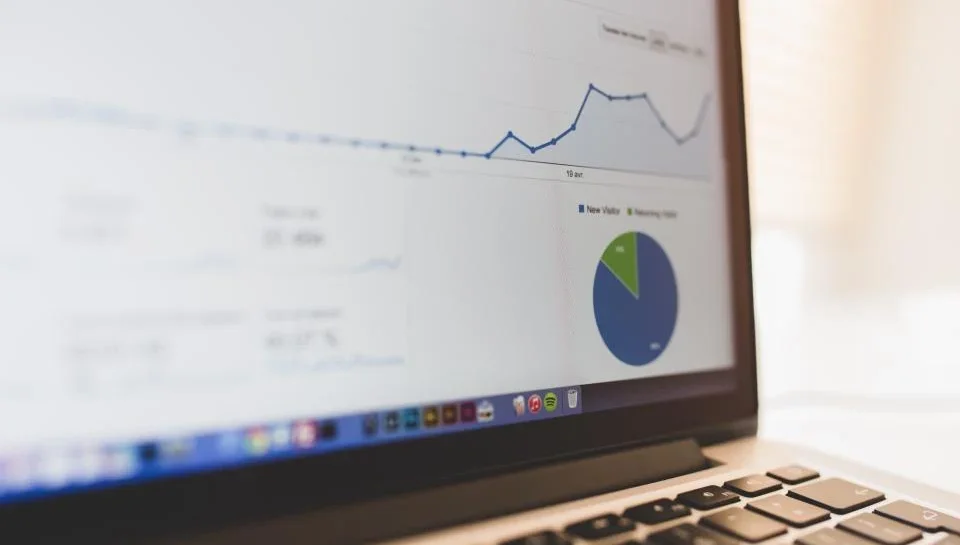
To track brochure views, use a digital brochure with a unique shareable link or QR code and a built-in analytics dashboard. When a brochure lives online instead of as a static PDF, every open, scroll, chat, and referral becomes a data point you can act on. That means you stop guessing who is interested and start following up with the buyers who are actually paying attention.
Printed brochures and email attachments tell you nothing after you hit send. A digital sales platform changes that: it shows you which listings get opened, how long buyers linger, and who reaches out. Below is exactly what to measure and how to turn those signals into faster deals.
Why tracking brochure engagement matters
Every seller has felt the silence after sending a listing. Did the buyer read it? Did they forward it to a partner? Engagement tracking answers those questions and lets you prioritize your time. Instead of chasing every lead equally, you focus on the ones showing real intent.
- Better follow-up timing — reach out while your brochure is still on screen.
- Warmer conversations — you already know which features held attention.
- Proof of interest — useful when advising a seller on price or negotiations.
- Smarter marketing — see which channels drive the most qualified views.
Metrics worth watching
Not all data is equal. A single visit means little; patterns mean everything. Focus on the signals that predict a real conversation.
- Views and unique visitors — total opens versus distinct people.
- Time on page — a 20-second glance differs from a three-minute read.
- Repeat visits — someone returning is often close to acting.
- Chat and contact events — the strongest buying signal of all.
- Referrals and shares — the brochure being forwarded to a decision-maker.
How to set up brochure tracking in minutes
You do not need analytics software or a developer. A platform like Brochurify builds tracking in automatically when you publish. Here is a simple workflow:
- Create your brochure for the property, vehicle, business, or luxury item.
- Publish it to get a live link and a QR code.
- Share the link by email, text, and social, and print the QR on flyers or signage.
- Open your buyer portal to watch views, chats, and referrals roll in.
- Follow up with the most engaged buyers first.
Turn views into conversations
Data only helps if you act on it. Because every Brochurify brochure includes a live chat, buyers can message you the moment a question arises — no separate email thread required. When you see a buyer returning for a third time, that is your cue to send a short, personal note: “Happy to answer anything about the layout or price whenever you’re ready.”
If you are weighing formats, our guide on interactive brochure vs PDF explains why static files cost you these signals entirely.
Reading buyer behavior the right way
Engagement data is a compass, not a verdict. A few practical rules keep you from over- or under-reacting:
- Do combine signals — long time on page plus a chat is a hot lead.
- Do respect quiet browsers; not everyone contacts you immediately.
- Don’t spam someone after a single view.
- Don’t ignore referrals — a forwarded brochure often means a serious buyer is looping in a spouse or partner.
Using engagement across multiple listings
If you sell more than one item, tracking becomes a portfolio tool. Compare which brochures get the most attention and mirror that formatting elsewhere. A listing with high views but no chats may need a clearer call to action; a listing with low views may need better distribution. The QR code also lets you measure offline reach — how many people scan from a yard sign or showroom card versus click from an email.
A quick engagement-tracking checklist
- Publish every listing as a live, trackable brochure.
- Add the QR code to all physical touchpoints.
- Check your buyer portal daily during an active campaign.
- Rank leads by combined signals, not raw views.
- Respond to chats within minutes when possible.
- Note referrals and follow up with the original sharer.
Frequently asked questions
Can you track who views a brochure?
You can see anonymized view counts, unique visitors, time on page, and repeat visits, plus identifiable activity when a buyer starts a chat or contacts you. This tells you how interested someone is without violating privacy.
How do I track a PDF brochure’s views?
Static PDFs offer almost no tracking once sent. Convert your brochure to a digital, link-based format so opens, chats, and referrals are logged automatically in a dashboard.
What is the best brochure engagement metric?
Chat and contact events are the strongest signal, followed by repeat visits and long time on page. Together they identify buyers ready for a conversation.
Does Brochurify show brochure analytics?
Yes. Brochurify’s buyer portal tracks views, chats, buyer questions, referrals, and engagement across all your brochures in one place.
Ready to stop guessing who is interested? Build a trackable brochure free at brochurify.ai and watch buyer engagement in real time.